Consent in your workflows,without code.
Connect consent.app with thousands of apps in Zapier. Approve a step on your phone before your Zap acts, collect consent from anyone, and react automatically to every answer.
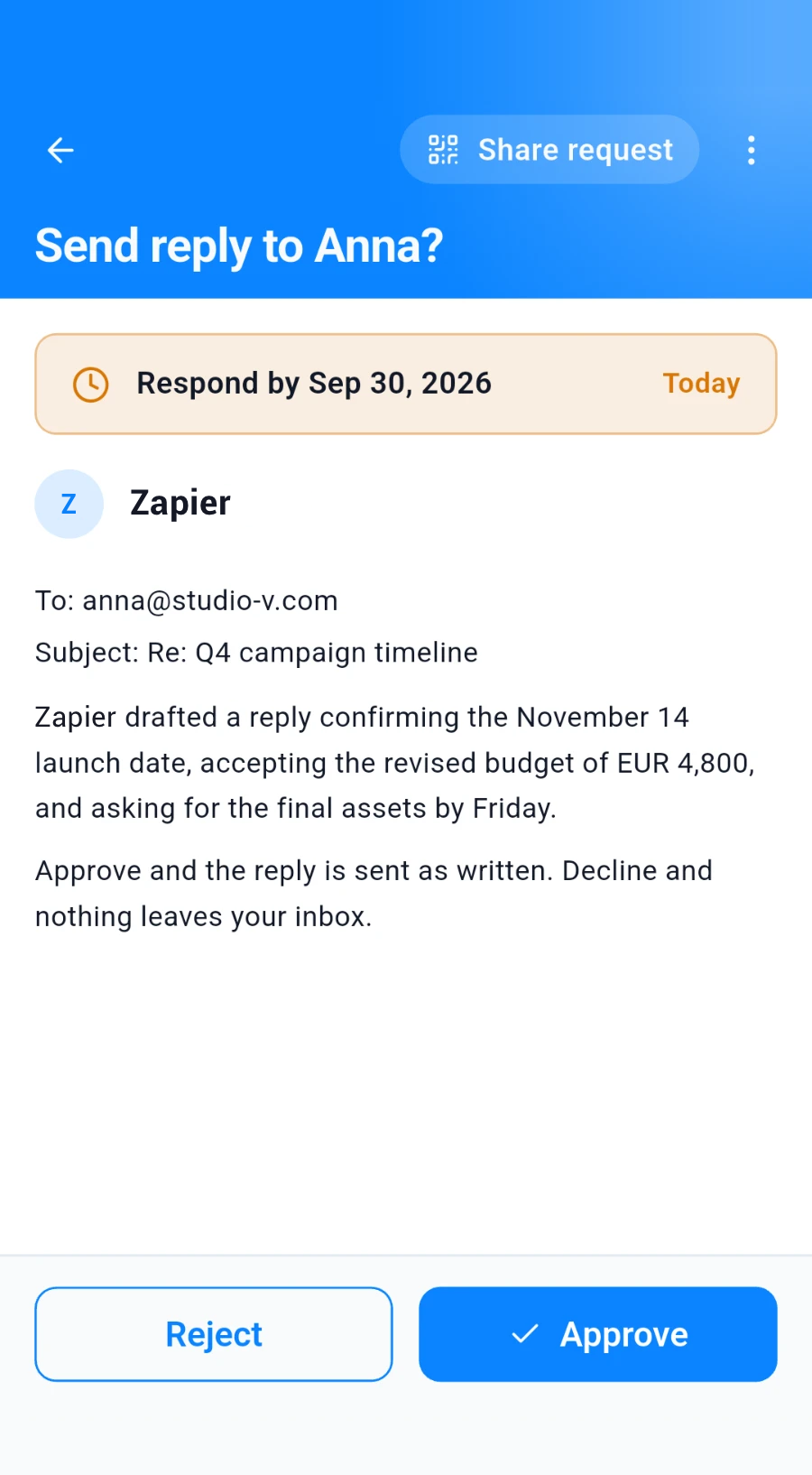
consent.app in Zapier
What our Zapier app can do.
One trigger and three actions. In Zapier they appear under these names.
Trigger
Actions
Examples
Zaps you can rebuild.
Tested Zaps you can copy. Open one to see the Zap and how to build it.
Log consent answers in a spreadsheet
Every new or changed answer becomes a new row in your Google Sheet.Show the stepsHide the steps
The Zap
How to build it
Prepare your sheet
Add a header row, for example Name and Answers.
Add the trigger
Choose consent.app and Consent Response Recorded. Leave the filter empty to catch every answer.
Add Google Sheets
Choose Create Spreadsheet Row and your sheet, then fill the columns:
Column Filled with Name Responder Namefrom consent.appAnswers Provided Fields Jsonfrom consent.app
Tip: Turn the Zap on and answer one of your own requests to test with real data.
Ask webinar registrants to agree to the recording
Everyone who registers for your Zoom webinar gets an email asking them to agree to the recording.Show the stepsHide the steps
The Zap
How to build it
Add the Zoom trigger
Choose New Webinar Registrant and your webinar.
Create the request
Choose consent.app and Create Consent Request:
Field Filled with Title Recording consent for our webinar Withdrawable True Email the link
Choose Gmail and Send Email:
Field Filled with To Emailfrom ZoomBody Share Linkfrom consent.app
Tip: Combine it with the spreadsheet example to keep a list of who agreed.
Approve before your Zap acts on a new email
Every new email in your Gmail needs your OK on your phone before the Zap replies, saves or labels it.Show the stepsHide the steps
The Zap
How to build it
Add the Gmail trigger
Choose New Email and the inbox or label to watch.
Ask for your approval
Choose consent.app and Request Your Approval and Wait:
Field Filled with Title Reply to this email? Description From › Emailfrom GmailStop the Zap Unless Approved True Add your action
For example Reply to Email or Add Label to Email. It only runs after a yes.
Tip: To react to a no as well, set Stop the Zap Unless Approved to False and use Consent Status with Paths by Zapier.
Setup
Ready in three steps.
1. Create an API key
In the consent.app web app, open Settings, then Agents & Integrations, and create a key. Tick “Raise consent requests”, and also “Receive every response” to react to requests made in the mobile app or web app.
2. Connect Zapier
In Zapier, add a consent.app step to a Zap and paste your API key when asked to connect your account.
3. Build your Zap
Pick a trigger or action, fill in the fields, test the step and switch the Zap on.
Get started
Your Zaps ask, people decide.
Create a free consent.app account and connect it to Zapier with an API key.
No credit card required.


FAQ
Questions about Zapier, answered.
Does waiting for my approval use extra Zapier tasks?
No. Zapier counts a task each time an action finishes, so Request Your Approval and Wait counts as one task, however long it waits. Triggers don't count as tasks.
Where is my data stored?
Your consent requests and answers are stored in your consent.app account. When a Zap runs, Zapier also processes the data it passes between your apps and keeps it in your Zap history for a while. Zapier is based in the US, so check its data protection terms before you send personal data through a Zap.
How do I disconnect Zapier?
Delete the API key you created for Zapier in the consent.app web app under Settings, Agents & Integrations. From then on, Zapier can no longer reach your account. You can also remove the connection in your Zapier account.