GitHub
The open-source repository, straight from the source. Download it, then copy the skills/consent-app folder into your agent's skills folder.
git clone https://github.com/xlcloud-consentapp/skills.gitAdd the consent.app skill to OpenClaw, Claude Code, or any agent that supports skills. Before your agent sends, pays, books, or deletes anything, it asks you on your phone.
How it works
Get it from GitHub or skills.sh.
Create a free account and give your agent an API key.
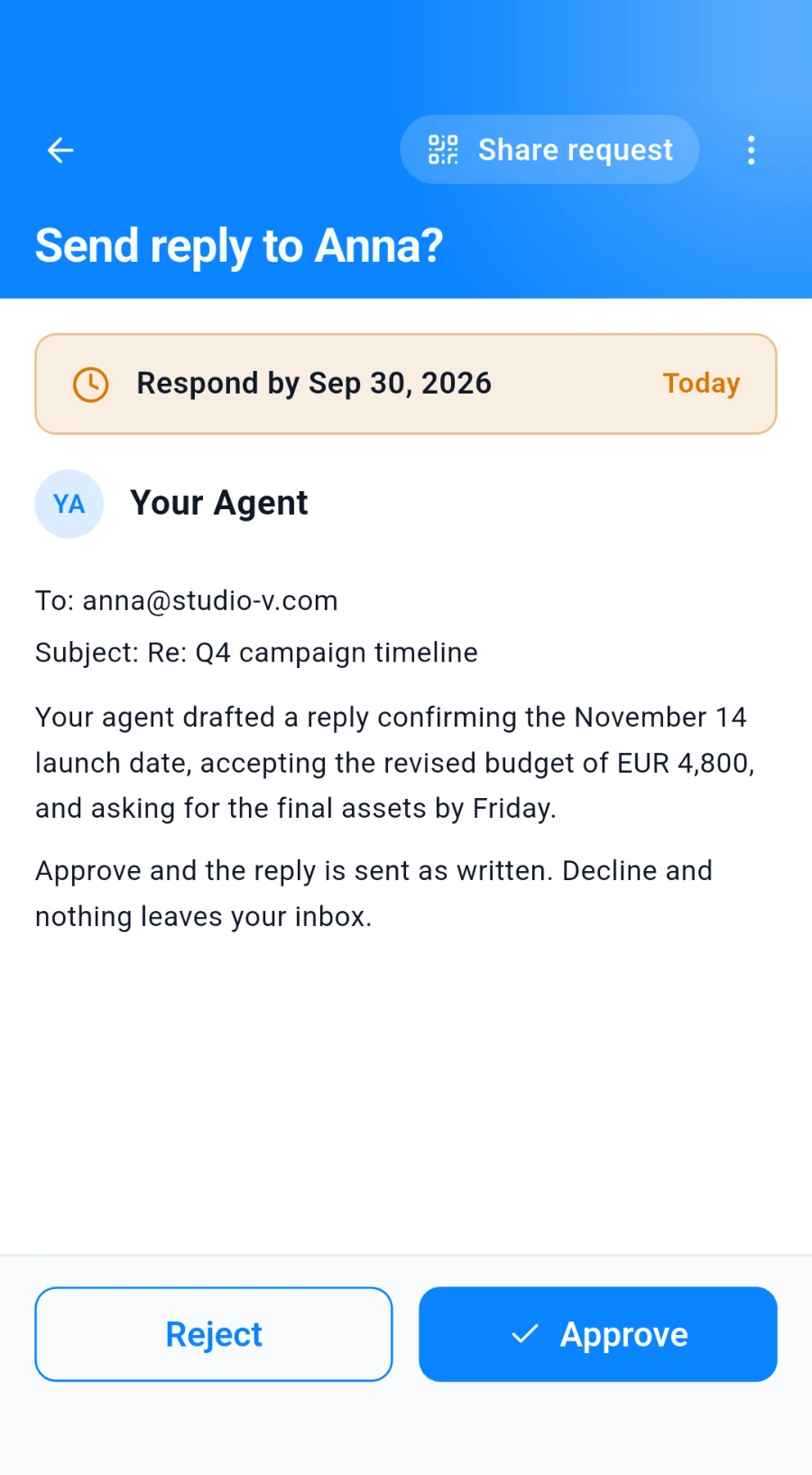
Your agent asks before critical actions and waits for your answer.
Step 1
Pick the way you already use. Both install the same skill.
The open-source repository, straight from the source. Download it, then copy the skills/consent-app folder into your agent's skills folder.
git clone https://github.com/xlcloud-consentapp/skills.gitAn open skill registry that works with many AI agents.
npx skills add https://github.com/xlcloud-consentapp/skills --skill consent-appStep 2
The skill talks to consent.app with an API key, never your password. You can revoke the key at any time.
Sign up for consent.app and install the mobile app on your phone. That's where your approval requests will arrive.
In the consent.app web app, open Settings, then Agents & Integrations, and create an API key. It starts with cak_.
Save it securely in your agent's settings, or simply ask it:
Help me store my consent.app API key securely.
Step 3
In everyday use, your agent asks on its own whenever a step needs your consent. To see it once, give it this harmless test prompt.
Try this prompt
Use the consent.app skill to send me a test approval request called “Hello from my agent”.
What needs your consent
Searching or drafting needs no approval. Anything someone else would see, charge you for, or hold you to does.
Get started
Install the skill and connect your free consent.app account.
No credit card required.


FAQ
A skill is a small package of instructions and tools that teaches an AI agent one specific job. The consent.app skill lets your agent ask for your approval before critical actions. The request appears on your phone, and the agent waits for your answer. This kind of safeguard is often called human-in-the-loop.
It works with any agent that supports skills, including OpenClaw and Claude Code. You can install it from GitHub or from skills.sh, whichever you already use.
No. The skill only uses an API key you create yourself in the consent.app web app. It never asks for your password, never signs you in, and never changes your account settings.
Your agent stops immediately and does not carry out the action. Nothing is sent, booked, paid, or deleted.
No. You approve every request on your phone, in the consent.app mobile app, wherever you are.
Yes, any time, in consent.app. The API key stops working immediately, and your agent can no longer send approval requests.
Yes. The skill is free to install, and the core features of consent.app are free and will stay free, with no credit card required.