Rentals & Hire
Cars, bikes, cameras, or gear: every renter confirms the condition and signs the terms before they take the item. No signature, no keys.
Rental and equipment handover forms for repair drop-offs, device handovers, and hotel rooms: capture the condition, access, and terms on the other person’s phone the moment something changes hands. Every agreement timestamped and retrievable at any time.
No credit card required.


THE CHALLENGE
When an item comes back damaged, a device is handed over without terms, or a room’s contents go missing, a handshake and a photocopied ID won’t settle it.
HOW IT WORKS
Ready in minutes. Nothing to install.
Start from a template or make your own. Capture the item or device, its condition, access and usage terms, and any deposit. No developer needed.
Print a QR for your counter, desk, or room, or send a link. They open it on their phone, with no download required.
The other party confirms the condition, uploads a photo, and signs the terms before anything changes hands.
Linked to the item, the date, and the person. Pull it up if a dispute arises. Photo evidence included.
WHAT'S INCLUDED
Everything you need to hand over an item with a signed, dated record behind it.
Pre-built handover agreement covering condition, damage, loss, and misuse. Ready to use, or customise it for your inventory.
The other party signs off on your terms for usage, access, and deposit before taking the item. Timestamp proves they read and agreed.
They photograph the item, device, or room at handover. Before-and-after evidence built into the record.
Any phone, any browser: the QR at the counter or desk handles everything, no account required. Anyone who wants a copy can keep it in the consent.app companion app.
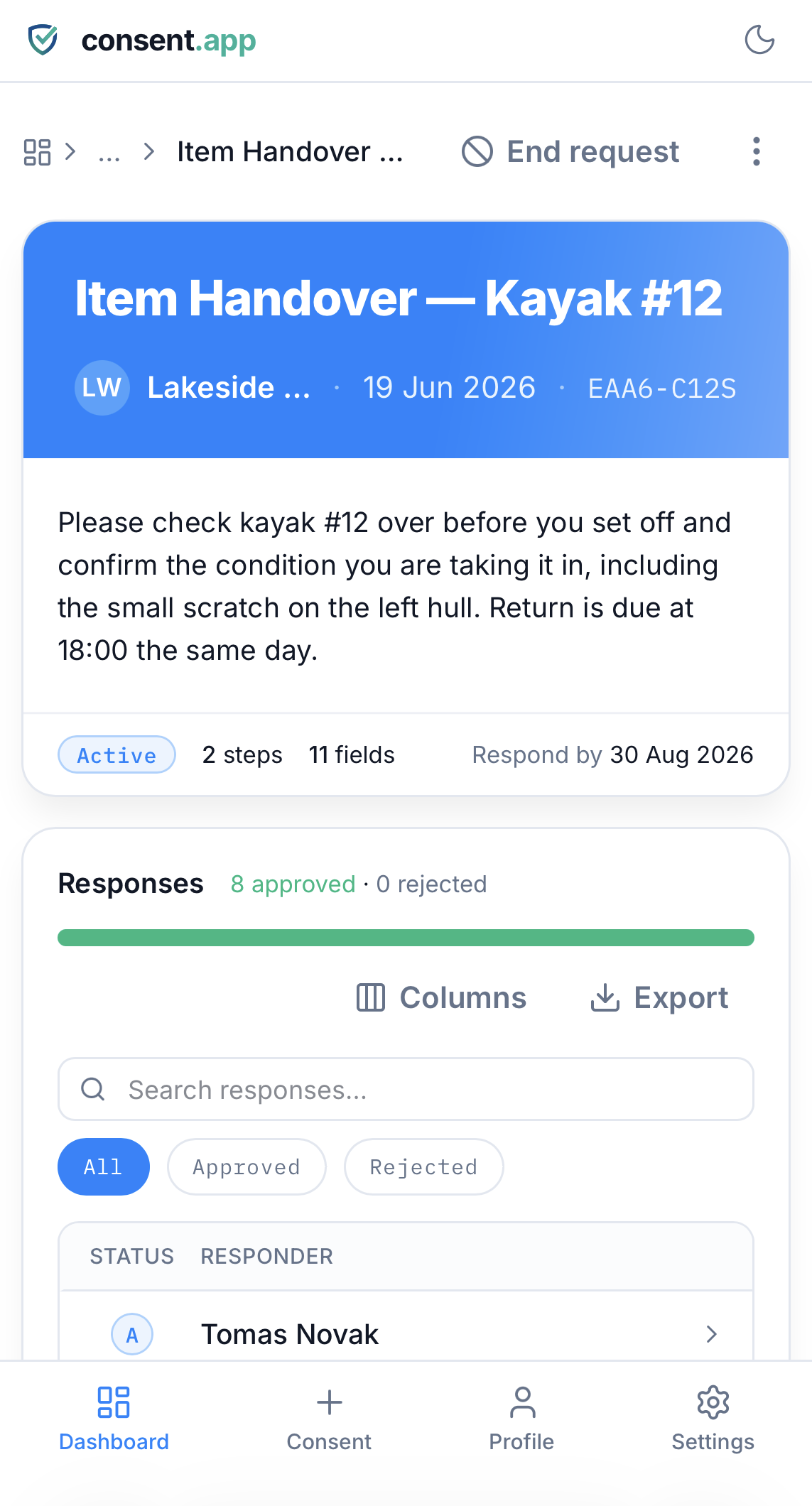
Filter records by item ID, name, or date range. Every dispute resolved quickly.
WHO USES IT
From a single hire to repair desks, IT teams, and hotel front desks.
Cars, bikes, cameras, or gear: every renter confirms the condition and signs the terms before they take the item. No signature, no keys.
Phones, laptops, or appliances left for repair: log the condition and agreed terms at drop-off, so there’s no dispute at collection.
Handing a laptop, access card, or account to a contractor or new starter: record what was issued and the terms of use, signed on handover.
Room condition, minibar, and equipment: guests acknowledge the state of the room or item at check-in, on their own phone.
MORE TEMPLATES
Get started
Use the Item Handover template for free. Goes live before your next handover.
No credit card required.
FAQ
No. They scan a QR at the counter or open a link, review the terms, and sign on their own phone with no account needed and no shared tablet to pass around. Anyone who wants to keep a copy can create an account or use the consent.app companion app.
Yes. Set out the condition checklist, access or usage terms, deposit, and liability once, and every person signs the same agreement before the item, device, or room changes hands.
You have a timestamped, signed record of exactly what they agreed to, with photo evidence, searchable by name or date and retrievable in moments, even months later.
Yes. Build it once and reuse the same link or printed QR for every handover, with no per-item setup.